Skippy Stone (Trijam #358)
Skippy Stone
(Trijam #358)
Story
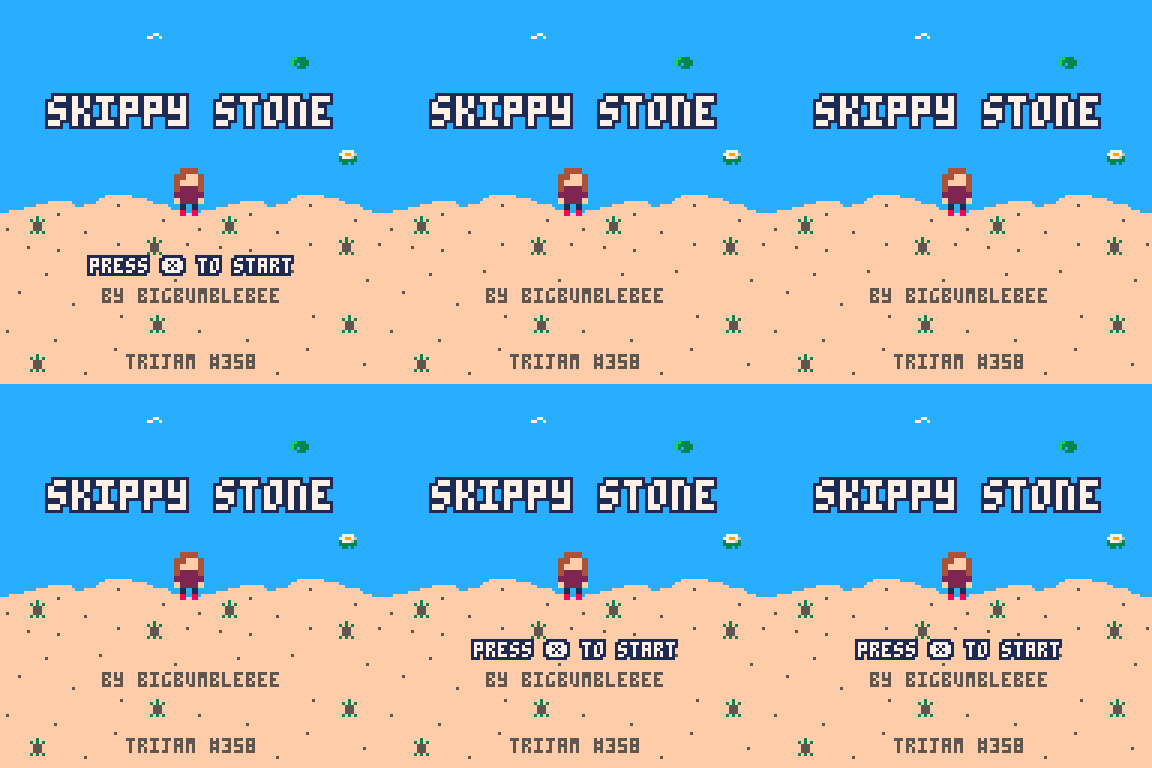
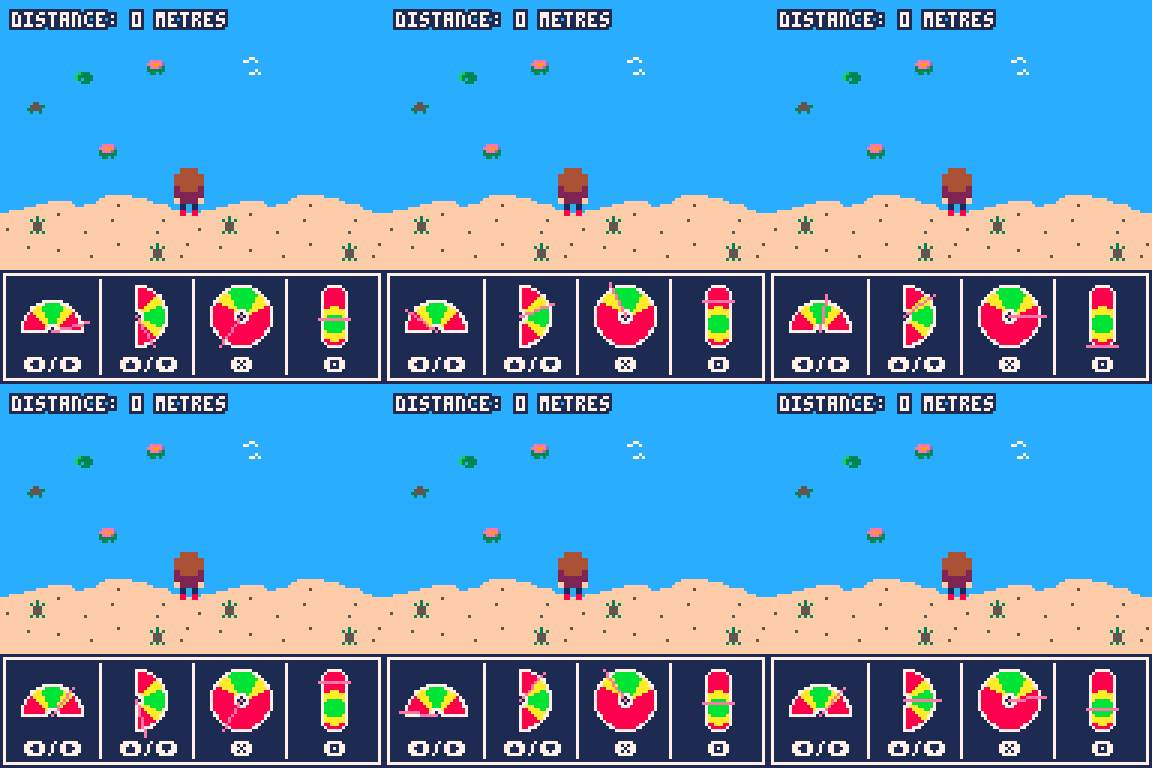
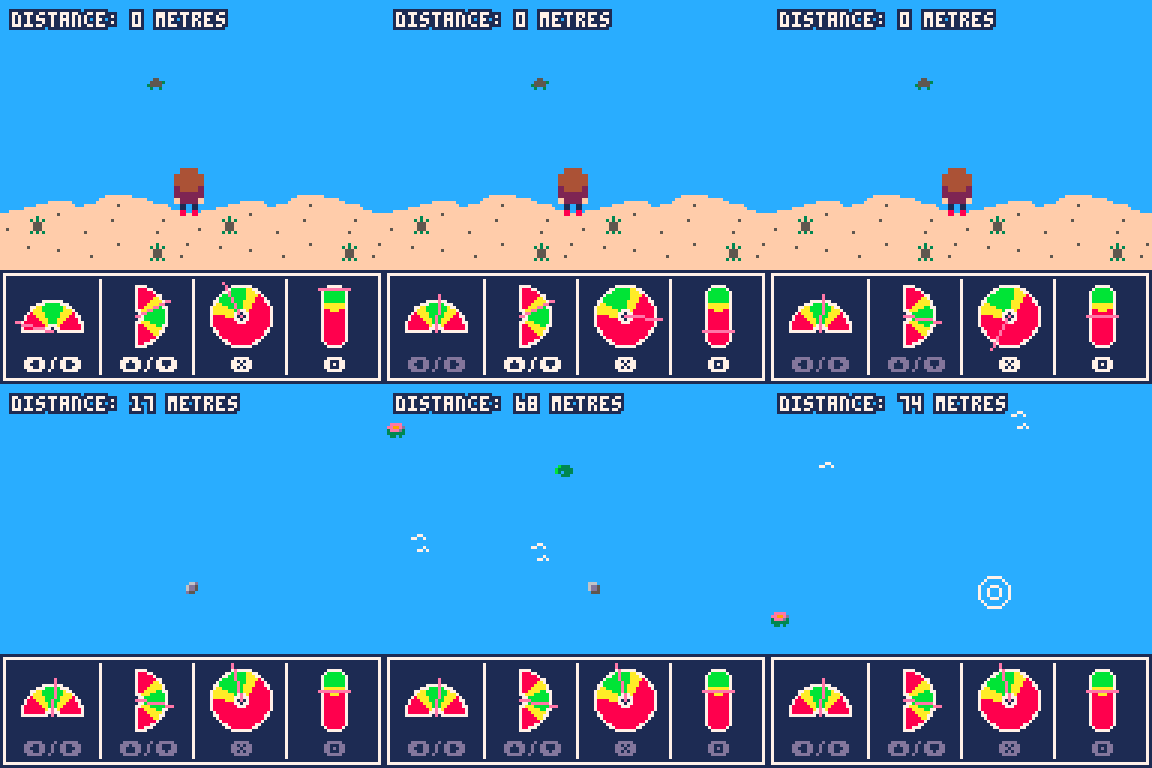
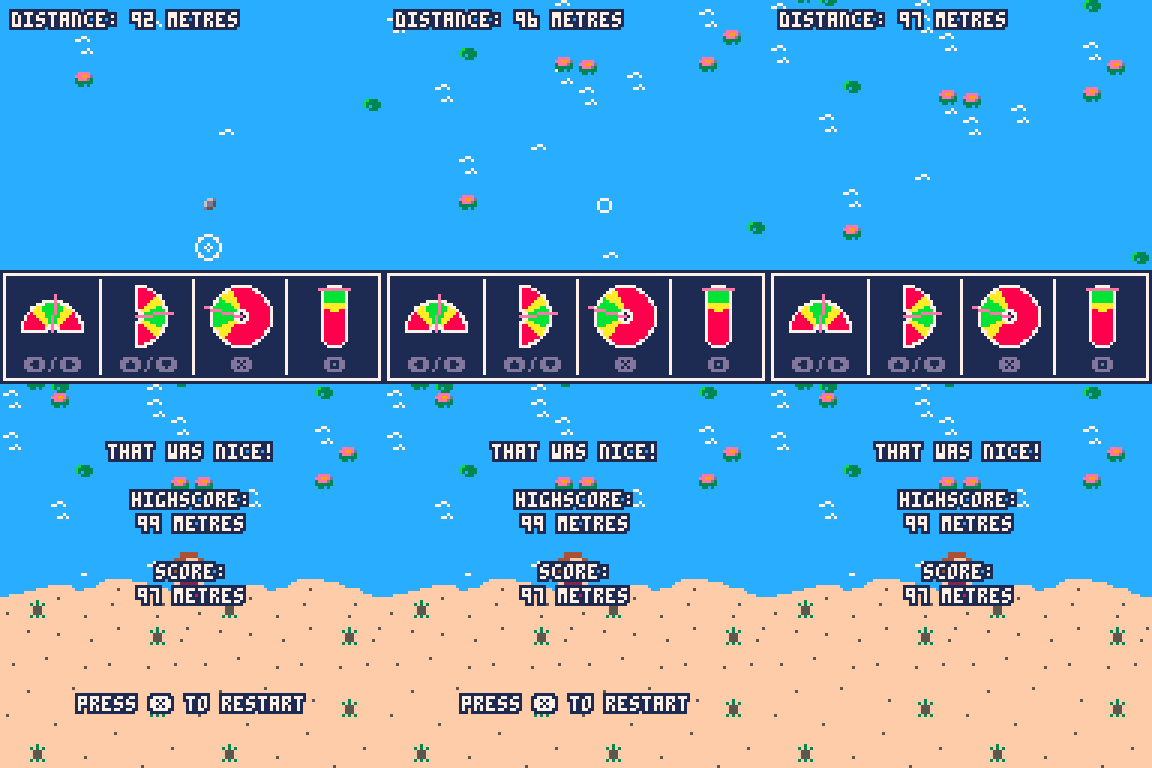
You are standing at a lake. The surface of the lake is as smooth as a mirror. You spot some stones that are perfectly round and flat. You decide it's the perfect time to skip some stones across the lake! Hit the indicated keys at the right timing to adjust the horizontal and vertical angles, the rotation and the speed to skip your stone as far as you can.
Controls
The "X" button in the game corresponds to the "X" on the keyboard. The "O" button in the game corresponds to the "C" on the keyboard. For the direction keys, you can use the arrows on your keyboard.
About this game
I handed in this game for Trijam #358 with the topic "Ricochet". However, I really underestimated the time it would take me to create the four different gauges. Especially the donut section gauges were a nightmare to implement in a (somewhat) efficient way. I still wanted to finish the game though, I hope someone enjoys it anyways! In the end it took maybe about 6h instead of 3h.
Version 1.3
- added jam name to title
- score text changes based on distance
Version 1.2
- added credits to game
- water lilies change color based on distance
Version 1.1
- balancing some values
Version 1.0
- first full version of the game
Comments
Log in with itch.io to leave a comment.
Had confused the last button for a O and pressed every button for C. It is a good little game tho.
I think you did an amazing job on this game. love the art and sounds they fit perfectly.
You seem to have found a great way to program the gauges.
How long did this take you in the end?
Controls did throw me a little but that is only because I don't look at the page until I tried to play it. I like to see if the game tells/shows me or is intuitive(Am I using this word right?).
I used X for X and arrow keys but the square threw me off and I just pressed every button until I found it hehe.
Great job on this game!
Thank you so much 🥰 I have to admit that I think it took me about a day to even draw the donut segments in an efficient way. I implemented 4 different versions until I got to this, which isn't perfect but at least efficient. The other versions led to FPS drops...
The rest of the game took about 5 hours, I think 😅 Next time I need to scope better or code faster!
Yeah, I agree that the PICO-8 controls for the X and O are not 100% intuitive. When you press at the symbol of the mini console next to the game, it gives you the key bindings :)